 khata.tech
 Getting Started
Last updated August 6, 2026
Welcome to khata.tech — one system for sales, purchases, inventory, and party ledgers, built for shop owners and traders in Nepal. This page walks you through creating an account and setting up your workspace, start to finish. Ten minutes, no prior setup needed.
Step 1: Create your account
- Go to app.khata.tech/sign-in.
- Click Create account — or Continue with Google if that's easier.
- Enter your email and choose a password.
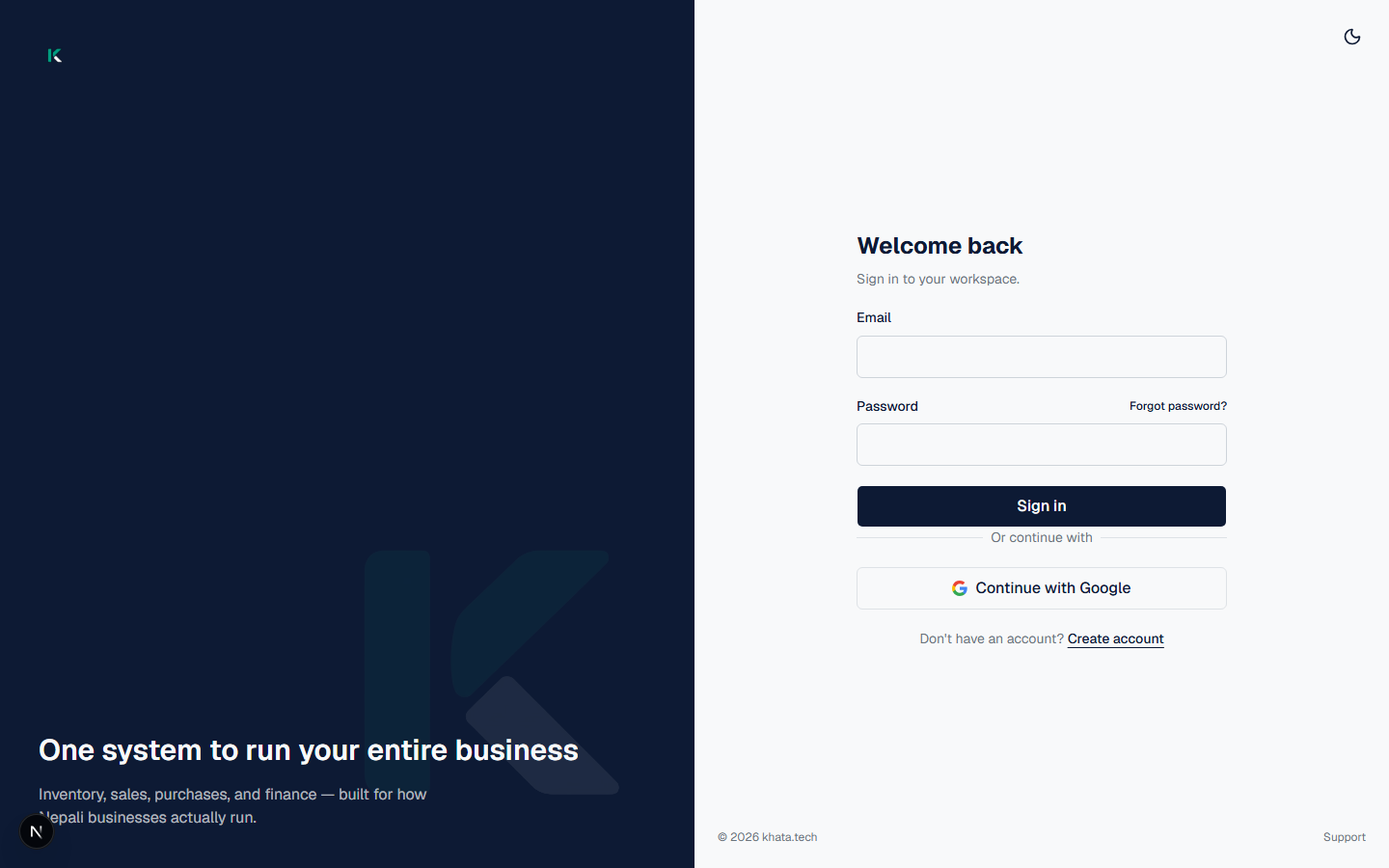
You'll land straight on Set up your workspace — no email confirmation step in the way.
Step 2: Set up your workspace
Fill in three fields:
| Field | What it's for |
|---|---|
| Organization name | Shown across the app and on documents you generate |
| Workspace URL | A short identifier for your workspace |
| Business type | Sets sensible defaults for how Inventory and Sales are labeled |
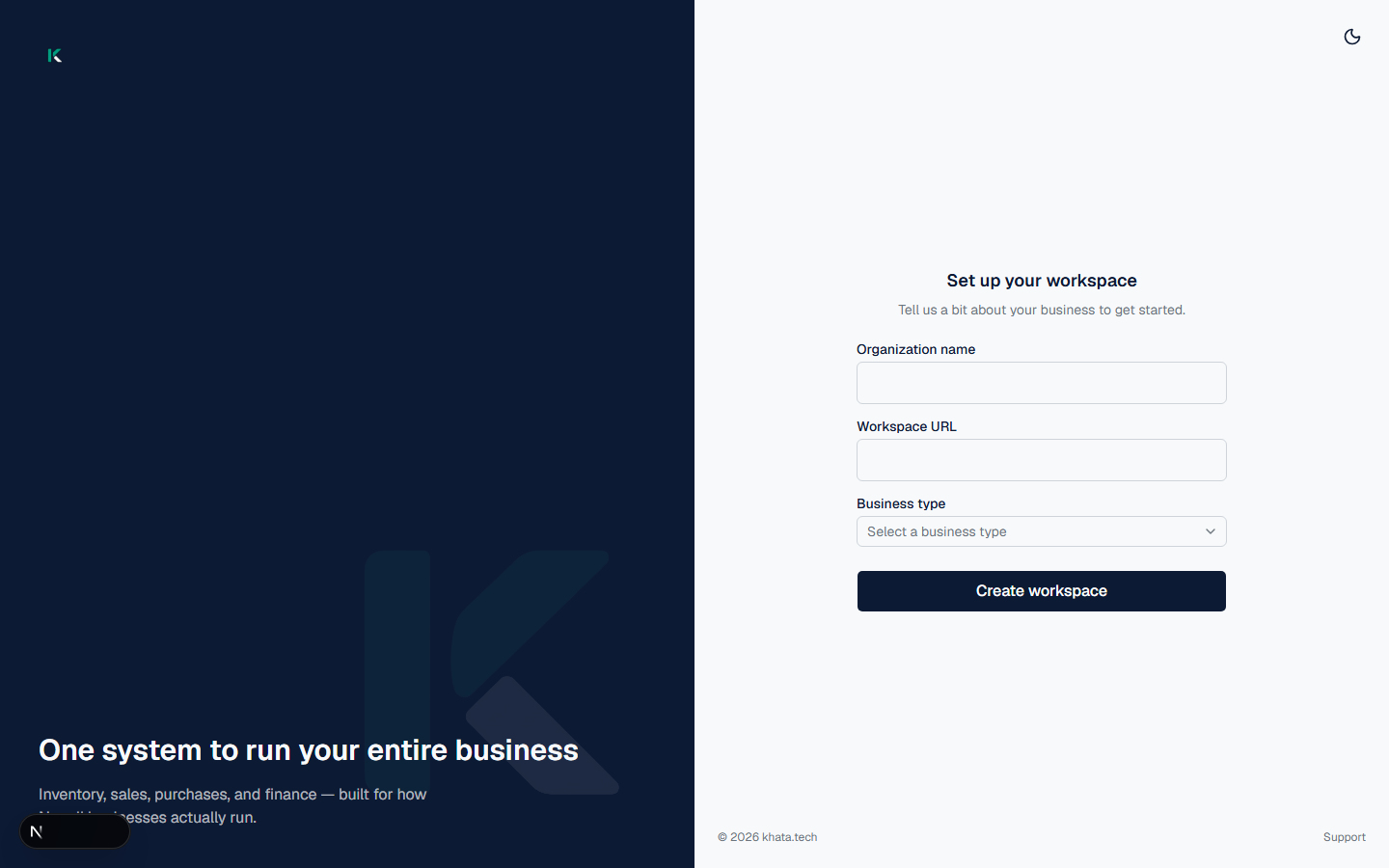
Click Create workspace. You're dropped straight into the dashboard — no waiting period, no manual approval.
Step 3: Get to know the dashboard
This is your home screen after every sign-in. At a glance, it shows:
- Total receivables and Inventory value, in your workspace currency
- Unpaid and overdue invoices
- Low stock count, Products, Customers, and Suppliers
- Quick actions: New Order, Invoices, New Purchase, Add Customer, Products
- Charts: stock activity, sales vs. purchases this month, and bank & cash balances
- A recent activity feed for inventory changes
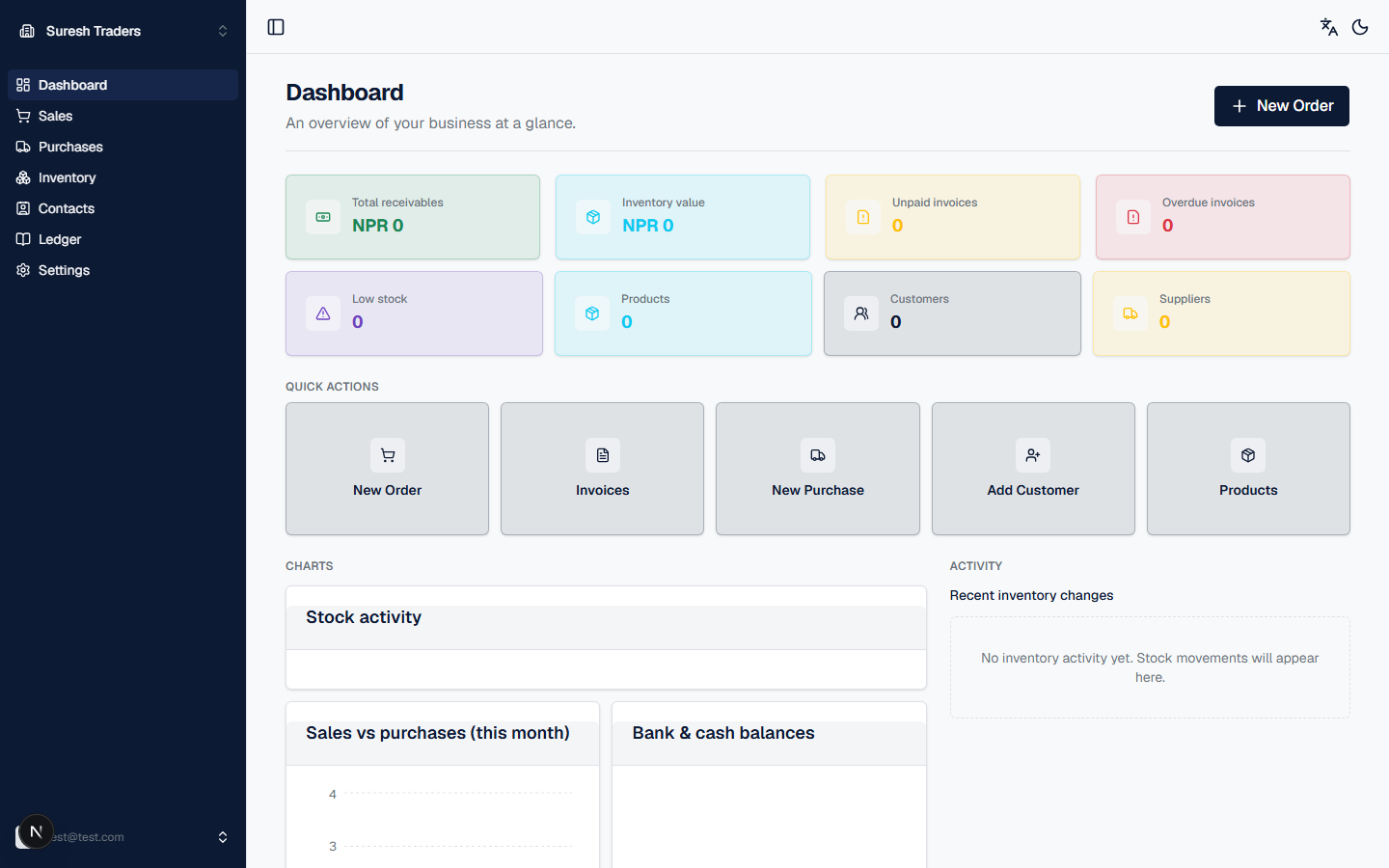
Everything reads zero right now — that's expected. There's no sample data to clear out; every number here is real, and it fills in as you use the app.
Step 4: Know where things live
The left-hand nav has seven sections. You'll use these constantly, so a quick map before you dive in:
- Sales — orders, invoices, and sales history (Sales)
- Purchases — purchase orders and supplier bills (Purchases)
- Inventory — products, stock levels, and stock movements (Inventory)
- Contacts — customers and suppliers (Contacts)
- Ledger — party balances and transaction history (Ledger)
- Settings — business profile, branding, and account (Settings)
Step 5: Your first day, in order
Follow these four steps in this order — each one unblocks the next:
- Settings — fill in your business name and upload your logo. They'll show up on every invoice and document from here on, so do this first.
- Inventory — add your first few products. You can't sell or purchase something that isn't in your catalog yet.
- Contacts — add a customer or supplier. You'll pick from this list every time you create an order.
- Sales — create your first order, using the product and customer you just added.
Once you've done all four, you have a working loop: products in stock, someone to sell to, and a first sale on the books. Everything else in khata.tech builds on that same loop.