 khata.tech
 Ledger
Last updated August 6, 2026
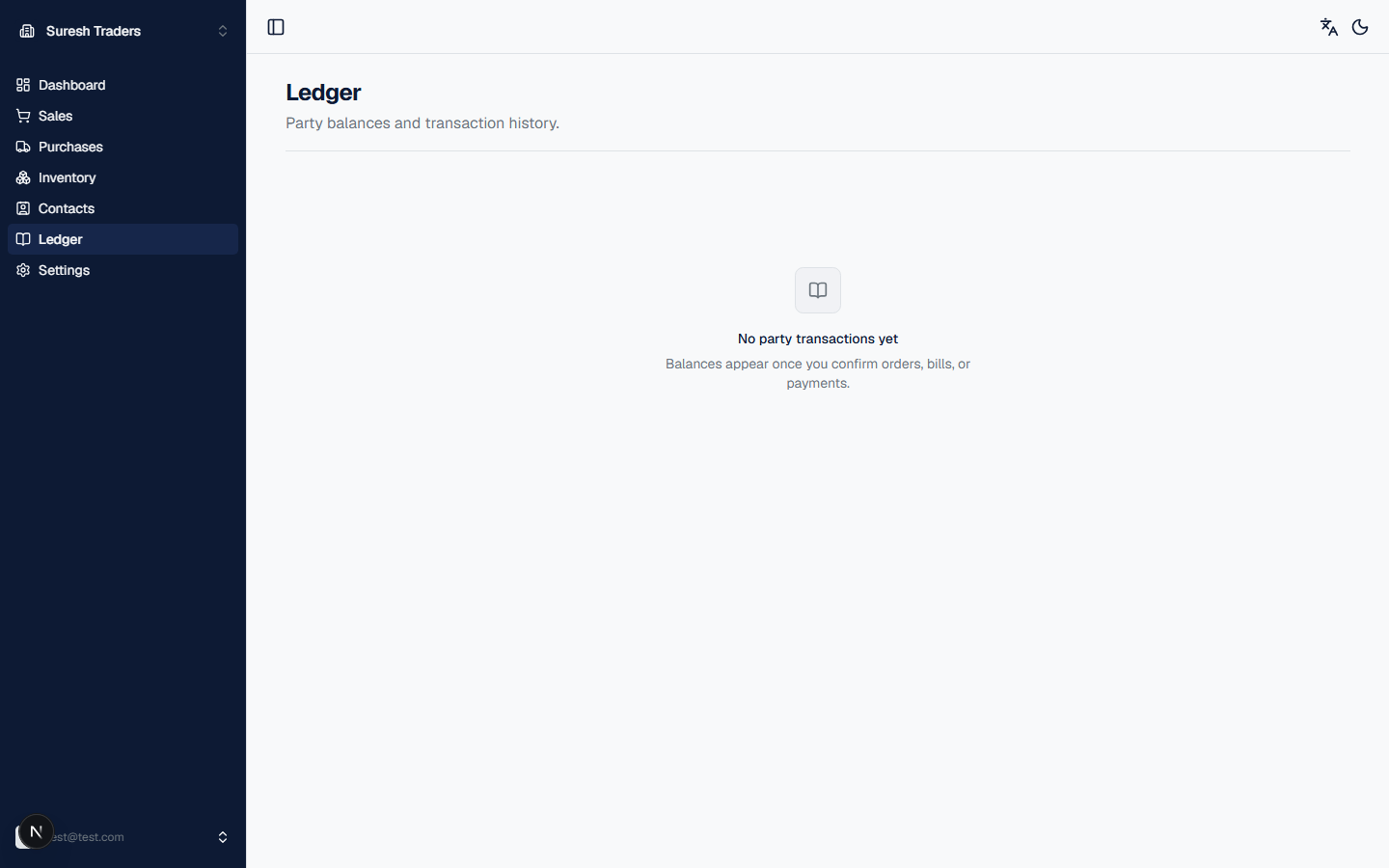
The Ledger answers one question: who owes what, right now. It's a running balance per party — customer or supplier — built automatically from every confirmed order, bill, and payment that touched them. There's nothing to set up here; it fills in as you use Sales and Purchases.
How balances build up
You won't see anything here until you've confirmed at least one order or purchase (see Sales and Purchases). From that point on, three things move the numbers:
- Confirming a sales order adds to a customer's balance — they owe you.
- Confirming a purchase order adds to a supplier's balance — you owe them.
- Recording a payment, received or paid, reduces the relevant balance.
Every entry is timestamped, so the Ledger doubles as a transaction history per party — not just a running total.
Step: Look up a specific party
Don't want the combined view? Open the party directly from Contacts instead — their ledger there is scoped to just that one customer or supplier, so you can see their full history without scrolling past everyone else's.
What's not here yet
The Ledger is party balances only — there's no profit & loss statement, no VAT report, and no CSV/PDF export yet. If you need a report shaped differently than "balance per party," you'll be exporting the underlying numbers by hand for now.